


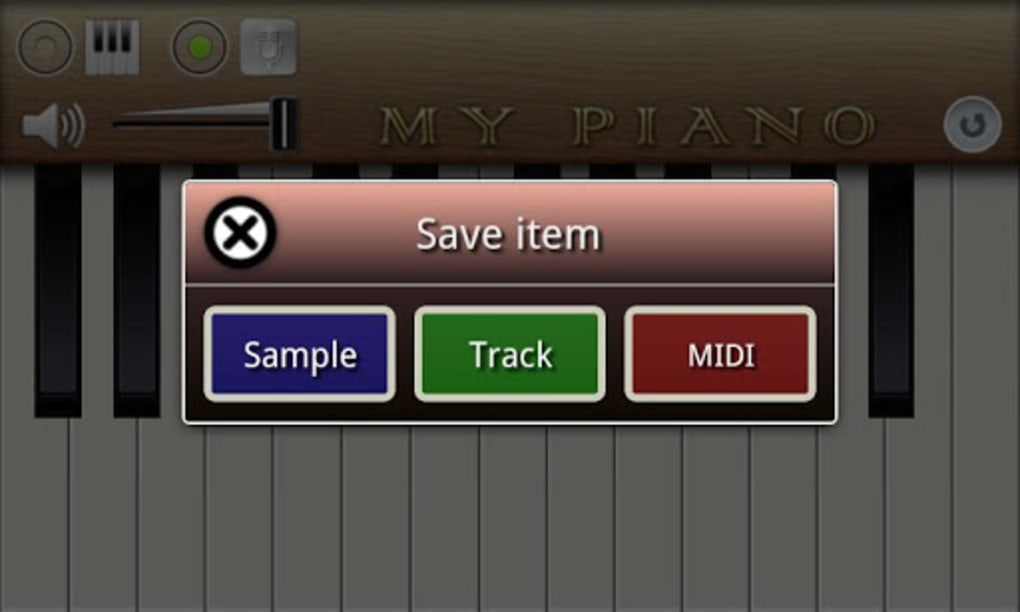
Description
Download My Piano APK – piano app, keyboard app, music app, Android, free, simple, touchscreen, virtual keyboard, music tool, easy to use, music player, mobile music
Overview
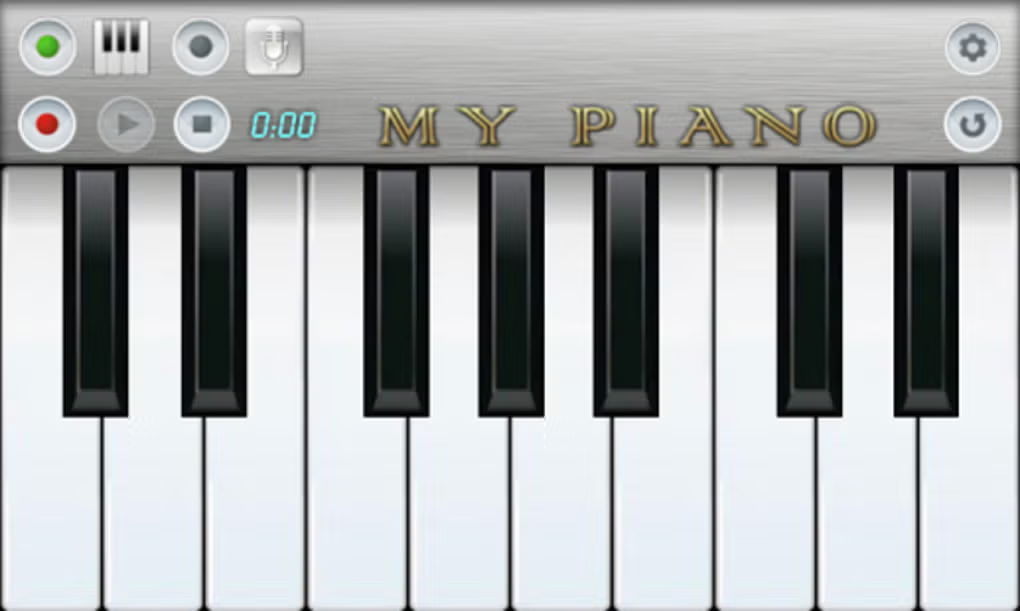
My Piano is a lightweight Android application designed to transform touchscreen devices into a basic virtual keyboard. The software offers a minimalistic approach to music creation, focusing on simplicity and immediate access to sound. It enables users to play notes across a two-octave range, making it suitable for casual experimentation or quick melodic improvisation. The app is particularly aimed at users seeking a no-frills digital keyboard without complex features or learning curves.
It serves as a straightforward tool for individuals who enjoy playing simple melodies or testing musical ideas on the go. While the developer, ZingSoft, has not provided detailed background information, the app’s design suggests a focus on accessibility and ease of use. Real-world usage scenarios include quick note sketching, basic music exploration, or serving as a fun distraction during downtime. However, it does not support advanced music production, learning tools, or performance modes.
Despite its simplicity, the app lacks features that could enhance engagement, such as song playback integration, tutorial guides, or sound customization. As a result, it functions best as a temporary or supplementary tool rather than a comprehensive music-making platform. The absence of competitive or collaborative features further limits its appeal beyond casual use.
Key Features & Capabilities
- Two-Octave Virtual Keyboard – Provides a compact, touch-responsive keyboard layout suitable for basic note input on Android devices.
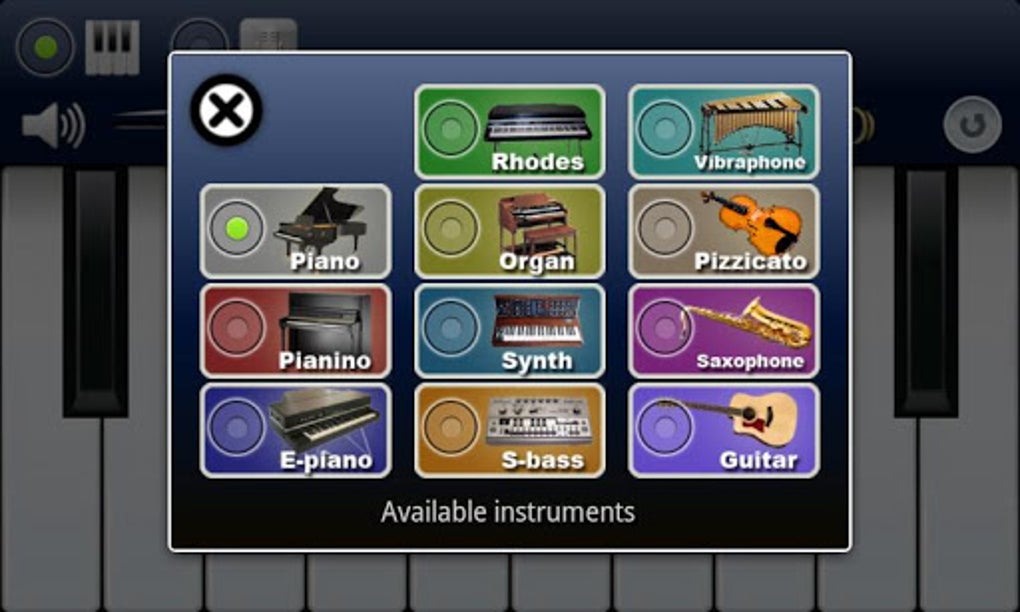
- Eleven Built-in Sounds – Offers a selection of instrument tones including Piano, Organ, and Guitar for varied sonic output.
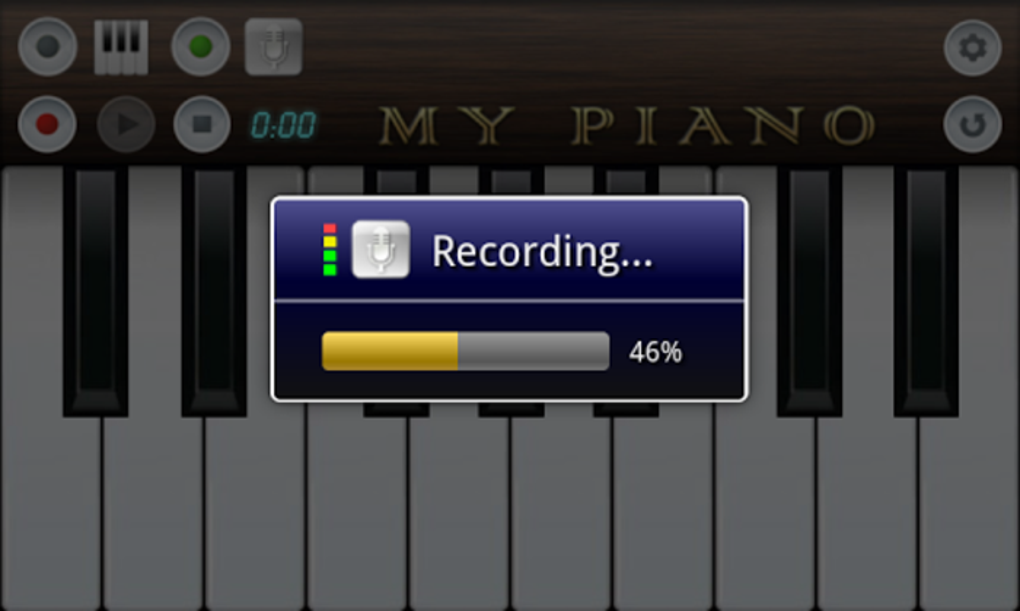
- Basic Recording Functionality – Allows users to record their performances directly within the app for playback or review.
- Minimalist Design – Focuses on simplicity with no unnecessary interface elements or settings.
- Touchscreen-Optimized Interface – Designed for intuitive interaction using finger taps on Android screens.
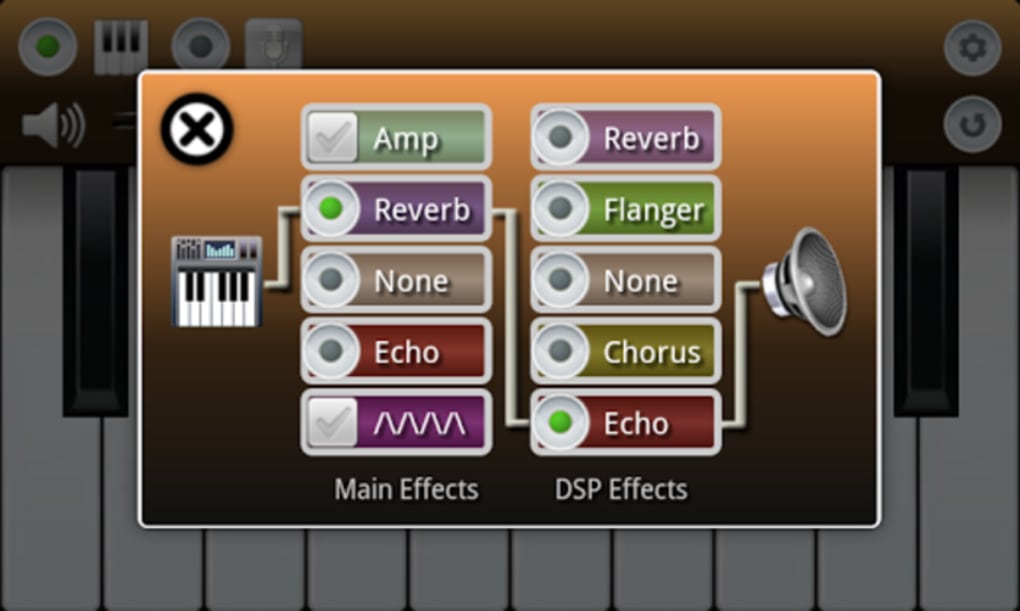
These features support basic music experimentation, such as composing short melodies, testing chord progressions, or recording spontaneous ideas. The recording feature enables users to revisit their performance, though it does not support export or sharing. The limited sound selection and lack of editing tools restrict deeper creative use. While the app is easy to start using, its capabilities are constrained by the absence of advanced features like loop creation, MIDI export, or integration with external audio software.
User Interface, Workflow & Performance
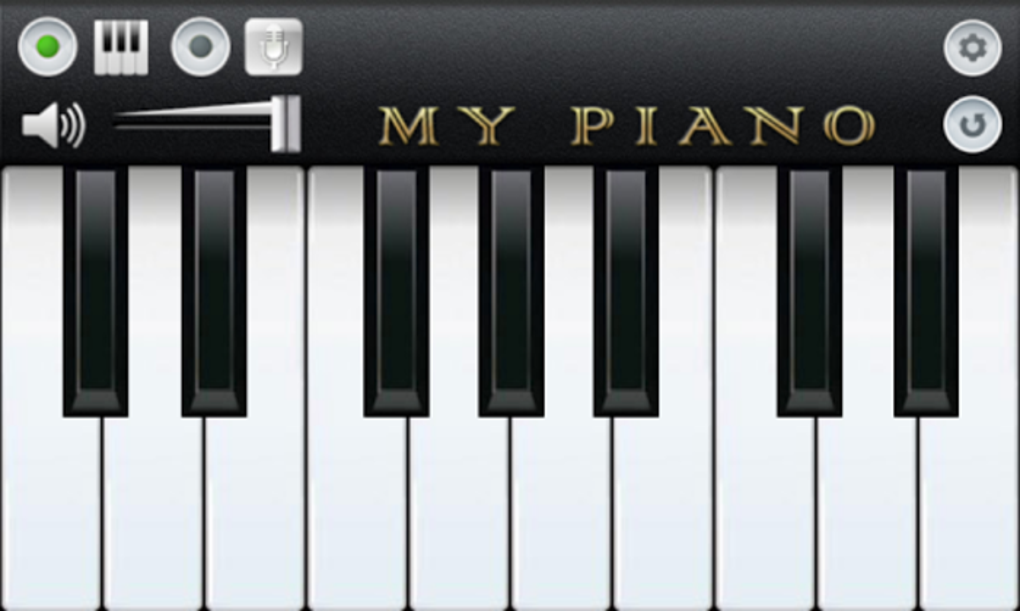
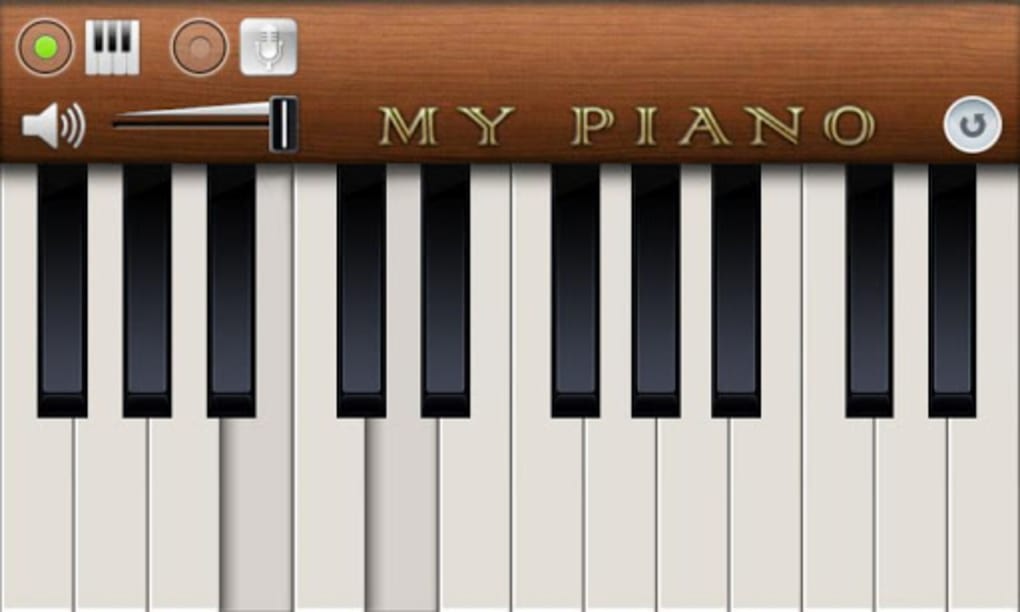
The user interface of My Piano is intentionally simple, featuring a clean layout with clearly labeled keys and a minimal control panel. Navigation is straightforward, relying solely on touch input without menus or settings that complicate the experience. Users can switch between available sounds via a basic selector, and the recording function is accessible through a single button.
Workflow efficiency is high for its intended use: users can begin playing immediately after opening the app. However, the lack of visual feedback for recorded performances or playback controls limits usability for review or refinement. Performance observations are based on general software behavior patterns; no specific details about CPU or RAM usage were provided. The developer did not specify resource usage details, so users should expect minimal system impact due to the app’s small size of 1.5 MB.
Stability appears to be adequate for basic use, though no information was shared regarding crash rates or long-term reliability. The app functions without requiring internet access, ensuring consistent performance in offline environments. Overall, the interface supports immediate engagement but offers little in terms of user guidance or advanced functionality.
Compatibility & System Requirements
My Piano is designed for Android devices, with the version specified as 1.0. The installation size is 1.5 MB, indicating a lightweight footprint suitable for low-storage environments. Platform compatibility information is limited to Android, with no details provided on specific Android versions or device requirements.
Exact system requirements were not listed, so users should ensure their device meets general Android standards for running basic applications. The developer did not specify minimum CPU, RAM, or screen resolution needs. Compatibility with tablets or foldable devices is not confirmed. Given the app’s size and simplicity, it is likely to run on most modern Android smartphones and tablets, but users should verify functionality on their specific hardware.
Pros and Cons
Pros
- Lightweight and fast to install (1.5 MB)
- Simple, intuitive interface ideal for beginners
- Works offline without internet dependency
- Offers multiple sound options for variety
- Includes basic recording for performance review
Cons
- Limited to two octaves, reducing musical range
- Sound quality described as basic, resembling vintage synthesizers
- No learning tools, tutorials, or feedback mechanisms
- Lacks advanced features like MIDI export or song sharing
- Minimal user engagement beyond basic play
FAQ Section
Is My Piano compatible with all Android devices?
My Piano is designed for Android, but specific compatibility details were not provided. It may work on most modern Android smartphones and tablets, though performance may vary across devices.
Is the app free to download and use?
Yes, My Piano is available at no cost. There are no in-app purchases or subscription fees mentioned in the provided information.
Can I record and save my performances?
The app includes a recording function, but it does not support exporting or saving recordings externally. Recordings are only available within the app for playback.
Does My Piano require an internet connection?
No, the app operates entirely offline. All features, including sound generation and recording, function without an internet connection.
What types of sounds are available in My Piano?
Users can choose from eleven instrument sounds, including Piano, Organ, and Guitar. No further details about sound customization or quality were provided.
Final Thoughts + CTA
My Piano delivers on its promise of simplicity, offering a basic yet functional virtual keyboard for Android users. While it excels in ease of use and minimal system demands, its lack of advanced features, weak sound quality, and absence of engagement tools limit its long-term appeal. It serves best as a casual tool for quick note experimentation or temporary music play, but falls short as a comprehensive music application.
For users seeking more depth—such as learning aids, song modes, or sound customization—alternative apps like Perfect Piano offer significantly more value. However, if your goal is a no-frills, free keyboard app that works instantly on your Android device, My Piano may meet your needs.
Download My Piano now
Guides & Tutorials for My Piano APK
How to install My Piano APK
- Click the Preview / Download button above.
- Once redirected, accept the terms and click Install.
- Wait for the My Piano APK download to finish on your device.
How to use My Piano APK
This software is primarily used for its core features described above. Open the app after installation to explore its capabilities.
User Reviews for My Piano APK 0
No reviews found





